Smtp Detector Features at a Glance
SMTP Detector is built to do one thing well: verify SMTP credentials and identify the email provider behind the account. It works for a quick single test or a large batch run, with live progress tracking and several export formats for the final results.
- Single Account Testing: Check one SMTP account instantly
- Bulk Testing: Validate unlimited accounts at the same time
- Auto-Detection: Detect SMTP server settings automatically
- Custom Hosts: Use custom SMTP server details when needed
- Provider Classification: Recognize 20+ email providers automatically
- Multi-Format Export: Export results as TXT, CSV, or JSON
- Real-Time Progress: Track checking progress live with detailed stats
- Concurrent Processing: Set adjustable concurrent checking with no hard cap
- Credit System: Built-in credit tracking for usage management
1. Single Account Check with SMTP Detector
Need a fast answer on one mailbox? SMTP Detector gives you that immediately. Enter the SMTP credentials, start the check, and review the validation result on the spot.
This mode is ideal when you are troubleshooting one account or confirming access before moving to a larger list. The process is simple, direct, and costs exactly 1 credit per check.
- Individual SMTP account testing
- Optional custom SMTP host
- Real-time validation
- Instant results display
- Credit deduction: 1 credit per check
2. Bulk Account Check in SMTP Detector
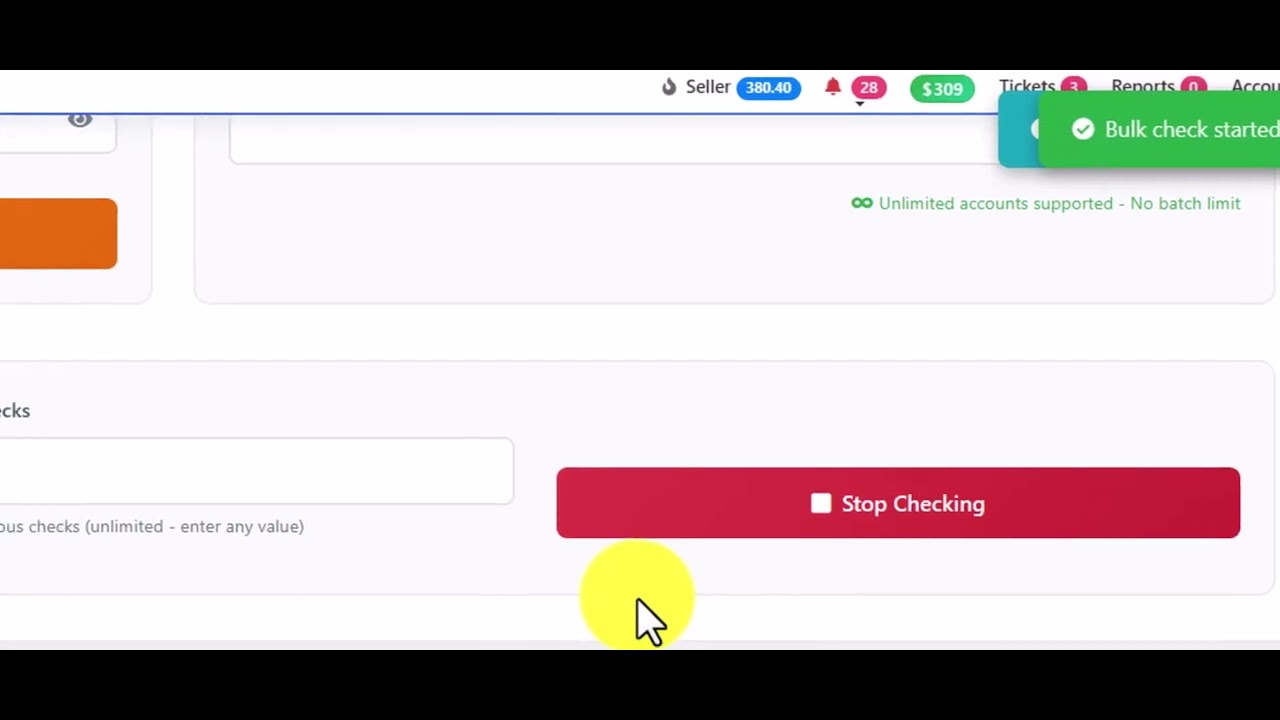
Bulk mode is where SMTP Detector saves serious time. You can submit unlimited accounts in a single batch, and there is no 500-account cap as long as your credit balance covers the run.
That matters when you are working through long SMTP lists and do not want to split jobs into smaller chunks. You can also tune concurrent processing and watch progress in real time as the batch moves forward.
- Unlimited accounts per batch (no 500 limit)
- Multiple input format support
- Adjustable concurrent processing
- Progress tracking with percentage
- Batch credit deduction
3. SMTP Server Detection
SMTP Detector can automatically find the correct SMTP server configuration for many accounts. When the first connection profile fails, it keeps going through fallback combinations until it gets a result or exhausts the available options.
Under the hood, it tests common SMTP ports and standard encryption methods, which is exactly what you want when credentials are valid but server details are unclear. That removes a lot of guesswork.
- Automatic server discovery
- 20+ provider recognition
- Multiple port testing (25, 465, 587, 2525, 80, 3535)
- SSL/TLS/STARTTLS support
- Fallback configurations
4. Provider Classification in SMTP Detector
After testing, SMTP Detector groups recognized accounts by provider. This makes the results far easier to review, especially if you need to separate business-hosted mailboxes from common consumer webmail services.
That sorting step is practical. Instead of manually checking every result line, you can move straight to the provider group you care about.
- Office 365 - Microsoft email services
- Gmail - Google email
- Yahoo Mail - Yahoo services
- GoDaddy Webmail - GoDaddy hosting
- cPanel Webmail - Cpanel hosting
- Rackspace Webmail - Rackspace email
- Ionos Webmail - Ionos/1&1 hosting
- Office365 Webmail - O365 webmail variant
- Office Godaddy Webmail - Combined type
- iCloud - Apple email
- Zoho Mail - Zoho services
- AOL Mail - AOL services
- Custom Webmail - Generic webmail
- Other Providers - FastMail, ProtonMail, Mail.ru, Yandex, GMX, etc.
7. Advanced Filters in SMTP Detector
Large result sets can get messy fast. SMTP Detector solves that with built-in filters that let you narrow the list by connection status or provider type in a couple of clicks.
If you only want working accounts, failed checks, or a specific provider category, you can isolate them without digging through every row by hand.
- All Results
- Working Accounts
- Failed Accounts
- Office 365
- GoDaddy
- cPanel
- Rackspace
- Ionos
- Generic Webmail
- Other Providers
Available Filters
These filters are available directly inside the SMTP Detector results screen. They are designed to speed up post-check review and keep larger exports manageable.
- All - Show all tested accounts
- Working - Only successful connections
- Not Working - Only failed connections
- Office 365 - Microsoft email accounts
- GoDaddy - GoDaddy hosted emails
- cPanel - cPanel webmail accounts
- Rackspace - Rackspace email services
- Ionos - Ionos/1&1 webmail
- Webmail - Generic webmail providers
- Other - All other providers
General Questions About SMTP Detector
Q: What is SMTP Detector?
A: SMTP Detector is an SMTP testing and validation tool that checks email credentials and automatically identifies the provider type behind the account.
Q: How much does it cost?
A: Each SMTP check costs 1 credit. Credits are purchased through the platform.
Q: Is there a limit on accounts?
A: No. You can test unlimited accounts, and your actual usage is limited only by the credits available in your balance.
Q: What email providers are supported?
A: SMTP Detector supports 20+ providers, including Gmail, Office 365, Yahoo, GoDaddy, cPanel, Rackspace, Ionos, and others. Custom SMTP servers are supported as well.